

SUMMARY
For this project, I worked with two teammates to use ROS to program a Create 3 robot to complete an obstacle course remotely. The submission goal was to have a user live streaming from a phone mounted on the bot through a live video feed without having seen the course.
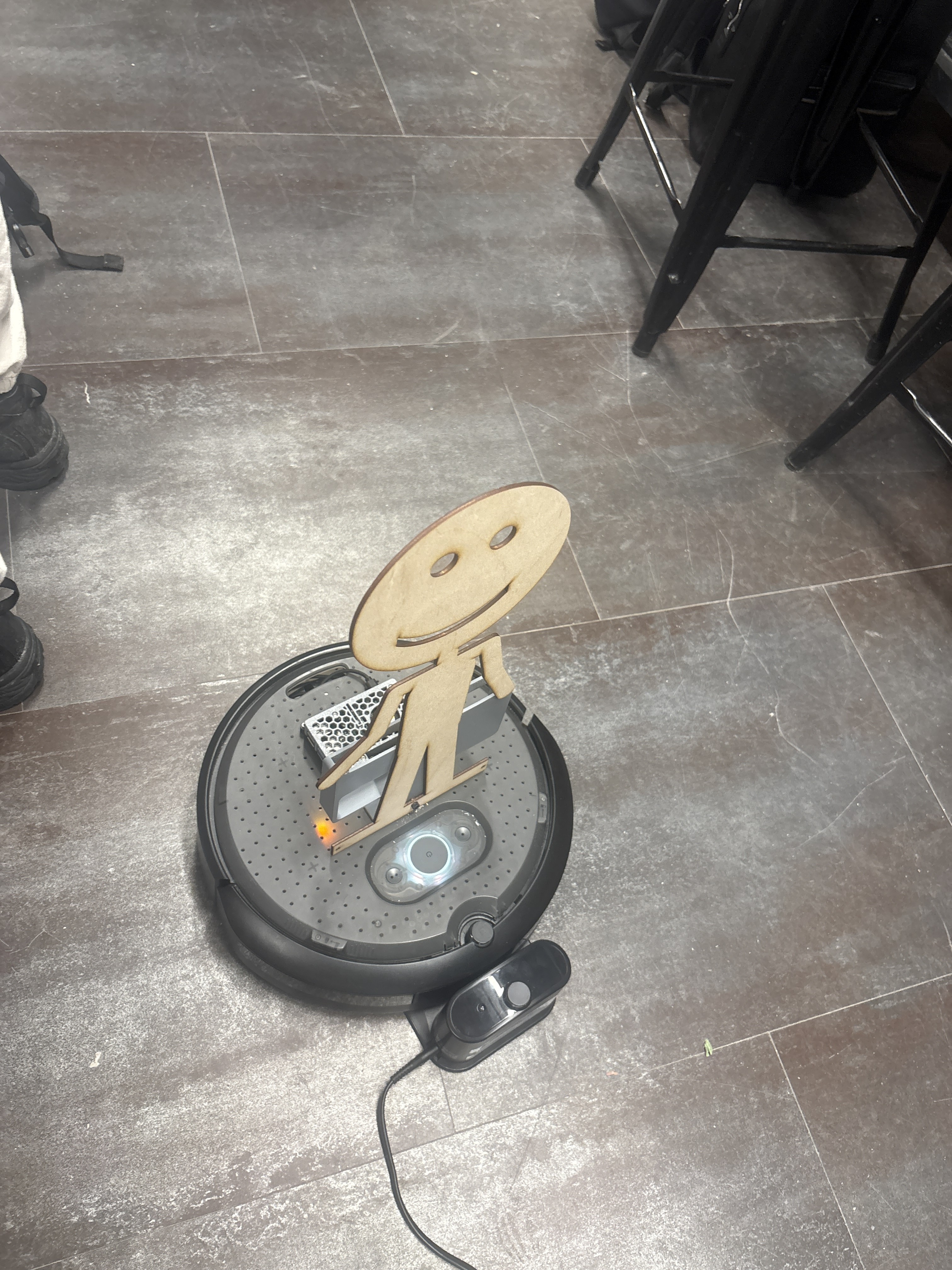
The Create 3 made up most of the hardware, with our pi mounted to the top with a 3D printed phone holder for our video feed. We controlled our robot with arrow keys through an HTML file, which updated an AirTable that relayed our commands to the Pi. and Our robot was able to successfully complete the course, and we had a lot of fun driving it around!
CAD WORK
This project had very minimal fabrication steps. After mounting the Pi, we created a 3d printed phone mount making sure it could fit any of our phones, and the front and back cameras were available for use if needed.
We also created a mounting hole for a laser cut stick-figure, named Andy after our TA.

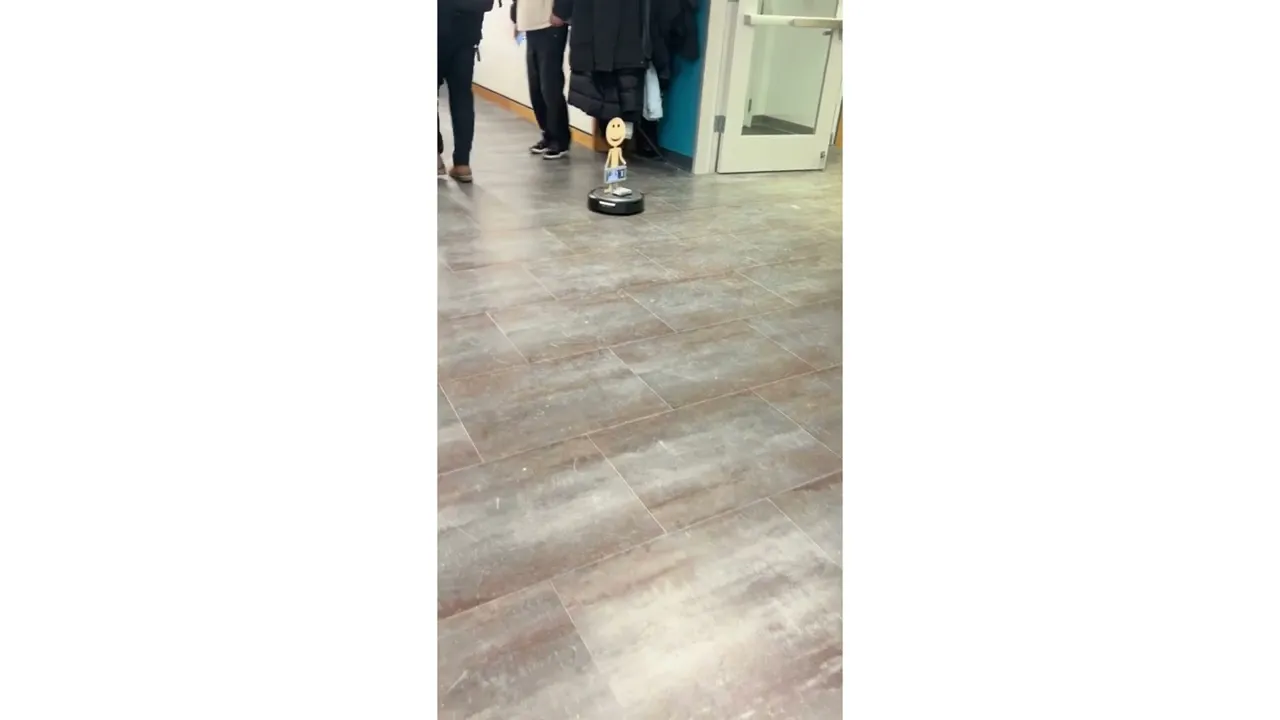
First Driving Test
CODE AND INTERFACING
We used Airtable to communicate commands between the robot and the controller through an HTML file. The code for the robot itself was run using a Raspberry Pi as the main computer that was connected to the iRobot Create 3. The Create 3 is equipped with ROS2, allowing us to practice using ROS-specific functions and nodes. Our Airtable updated two values, linear and angular motion, which the Pi continually read and processed into actual motion of the Create 3.
We initially used Airtables button function, but found it to be difficult to smoothy control and, aided by AI, created an HTML file instead that used arrow keys and a more visually appealing user interface.
We take Andy for a walk around the maker-space!
FINAL PROTOTYPE DESIGN AND FUTURE STEPS
Controlled by one of my group-mates upstairs, "Andy" was able to quickly navigate the unkown course, although we did get hit by a broom!

Final Robot with Andy


Initially, we attempted to implement some IR sensing to add an "automatic stop" to our robot in case it was going towards something we did not see. However, we did not have time to refine this mechanism and it ended up being too sensitive, struggling on tight corners leading us to scrap this idea for the sake of time.
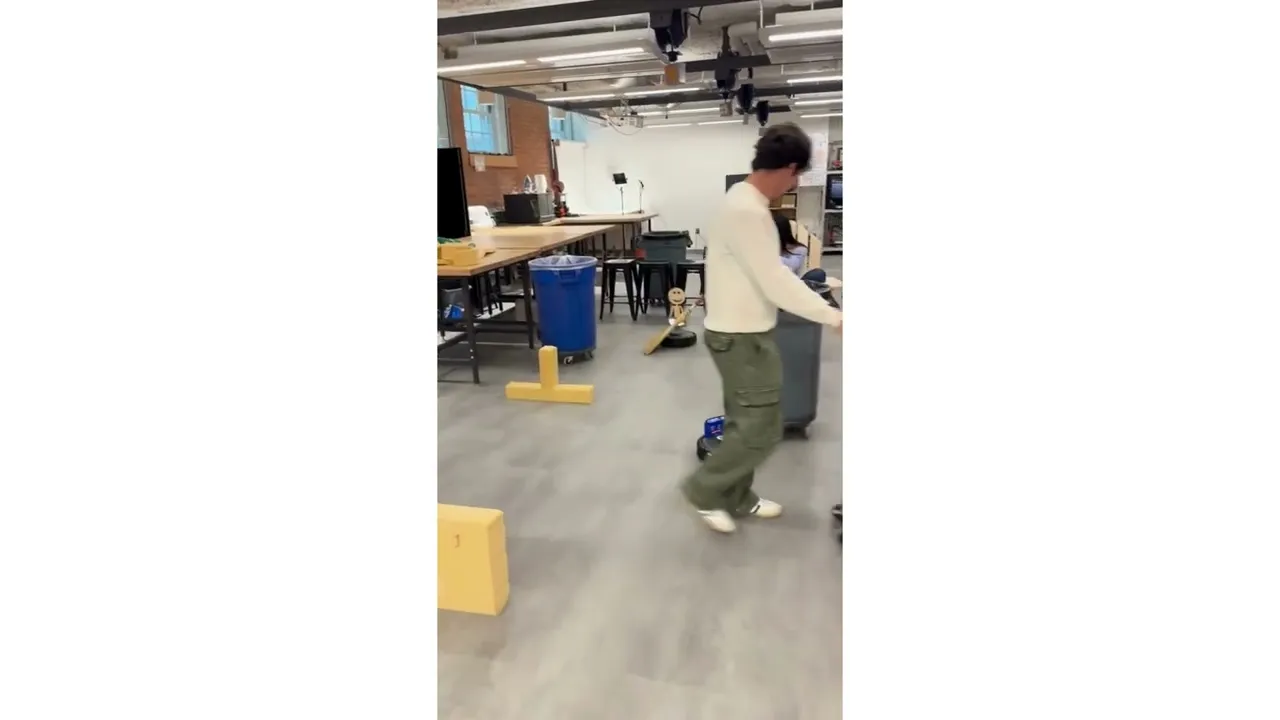
Final Live Demonstration